Duplicate photo finder
Find and remove duplicate and similar photos on Android
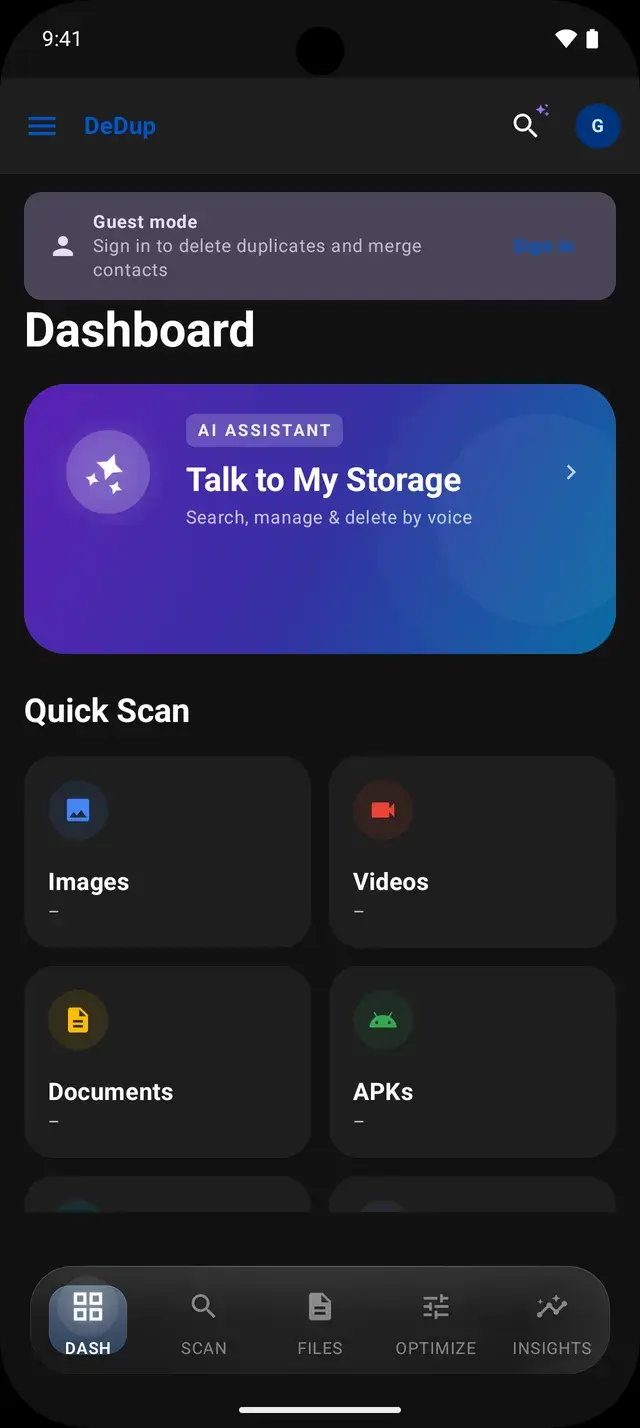
Phones collect copies quietly: the same photo saved from three chats, a burst of ten nearly identical shots, an edited version next to the original. DeDup’s Image Scanner groups exact duplicates and look-alike photos so you can keep the one you want and remove the rest.
Every group is shown to you first. The scan itself deletes nothing.
 Scans run on your phone
How DeDup finds exact duplicate photos
For each photo, DeDup combines the file size with a checksum of the start of the file. Two photos with the same size and checksum are treated as copies of each other, which catches the same picture saved twice or downloaded again under a different name.
How it finds near-duplicate and similar photos
DeDup also builds a small visual fingerprint for every photo. It shrinks the image to a tiny grayscale grid and records how brightness changes across it, giving a 64-bit value. Photos whose fingerprints differ by only a few bits look alike and are grouped together, even if the files are not identical.
Resized and recompressed copies
Because the fingerprint is taken from a heavily shrunk copy, a photo that was resized or re-saved at a different quality, as messaging apps do, usually lands close to the original and is grouped with it.
Burst shots
Groups whose photos were taken within 3 seconds of each other get a BURST badge, and you can filter to bursts only.
Slightly edited copies
Light edits such as a small brightness change often stay within the matching range. Heavier edits, large crops or filters change the fingerprint and may not be grouped.
Rotated copies
DeDup reads each photo upright using its rotation tag, so a copy that differs only in that tag is compared correctly. A copy whose pixels were actually rotated produces a different fingerprint and is not grouped with the original.
Adjust how similar photos need to be
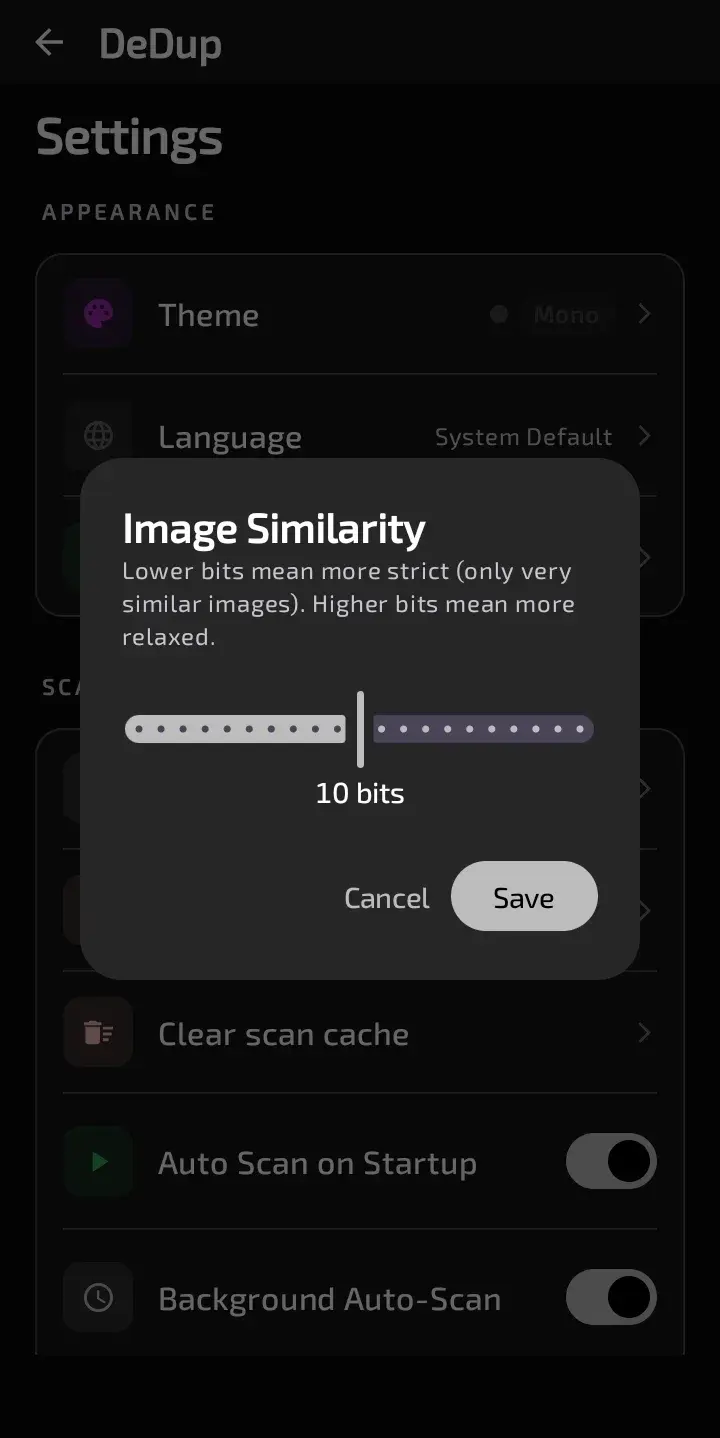
Settings has an Image Similarity slider from 0 to 20 bits, set to 10 by default. Lower values only group photos that are almost identical. Higher values also catch looser matches, with more chance of grouping photos you consider different.
Keep your preferred photo
In each group DeDup suggests one photo to keep and shows it first, labelled BEST SHOT for bursts or ML BEST CHOICE otherwise. The suggestion favours photos you marked as favourites, then sharper photos, better exposure, and open eyes and smiles detected on the phone.
The label is only a suggestion. You choose which photos to select, and you can leave the suggested one and delete another instead.
Review photos before deleting
- Tap photos to select them; nothing is selected for you. Long-press a photo for a full-screen preview.
- Auto Clear keeps the first photo in every group and removes the rest, after a warning that similarity matching can make mistakes.
- Selected photos are copied to DeDup’s Trash, then Android shows its own delete confirmation. You can restore them from Trash until they expire (30 days by default).
- Deleting requires signing in with Google. Guests can scan and browse results.
Frequently asked questions
Does DeDup find duplicate photos with different file names?
Yes. Matching uses the file size, a checksum and a visual fingerprint, not the file name, so renamed copies are found.
Will DeDup delete photos automatically?
No. Scans only list groups. Photos are removed only after you select them, or choose Auto Clear, and confirm the Android delete prompt.
Can I get a deleted photo back?
Photos deleted from the Image Scanner are copied to DeDup’s Trash first, so you can restore them until they expire. The default is 30 days and can be changed in Settings.
Does it find rotated copies of a photo?
Only when the copy differs by its rotation tag. A copy whose pixels were rotated has a different fingerprint and is not grouped.
More ways DeDup frees up storage
- AI Storage CleanerSee what is using your storage and clear duplicates, large files, cache and empty folders.
- Duplicate Video CleanerGroup identical and near-identical videos and play each one before you delete.
- WhatsApp CleanerFind duplicate WhatsApp media, sent copies you also received and large WhatsApp files.
Detailed guides
Reclaim your storage
DeDup is free on Google Play for Android. Scan first, review what it finds, and remove only what you choose.