Duplicate video finder
Find duplicate videos on Android and free up storage
Videos are usually the largest files on a phone, so one extra copy can cost as much space as hundreds of photos. Copies pile up when the same clip is downloaded twice, shared back to you in a chat, or exported again after editing.
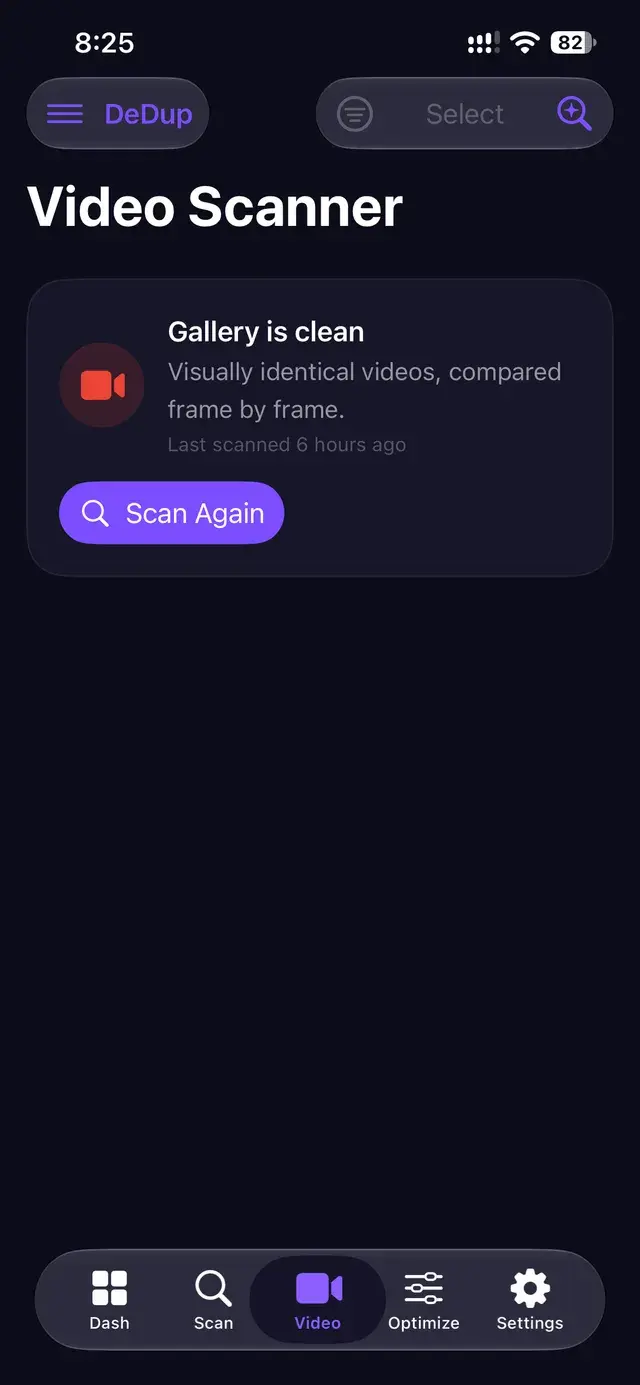
DeDup’s Video Scanner groups duplicate and near-identical videos so you can watch them and decide which to keep.
 Scans run on your phone
How DeDup detects duplicate videos
All of this runs on the phone. Fingerprints are saved locally, so a later scan can resume and skip videos it has already processed.
Identical files
Videos with exactly the same size in bytes are grouped together. This catches straight copies, such as the same file in two folders.
Near-identical videos
DeDup takes three frames from each video, at 10%, 50% and 90% of its length, and fingerprints each one. Two videos are grouped when at least two of the three frames match closely. This can catch the same clip saved at a different quality or file size.
What is not matched
A trimmed clip, or a video with footage added at the start, puts different scenes at those three points, so it is usually not grouped with the original.
Review videos before deletion
- Each video shows a thumbnail, its length, size and file name, with a Play button so you can check it before choosing.
- The first video in each group is labelled KEEP. DeDup does not rank videos by quality, so check which copy you want.
- Sort groups by largest, smallest or most copies to start where you will save the most.
- Selected videos are copied to DeDup’s Trash, then Android asks you to confirm the delete. You can restore them from Trash until they expire (30 days by default).
Why duplicate videos use so much storage
A minute of phone video can take many times the space of a photo, and the size grows with resolution and frame rate. A single duplicate of a long recording can free more space than clearing an entire folder of screenshots, which is why it is worth checking videos first when storage is tight.
Messaging apps add to this: a video you send is often saved again in the app’s own folder, so the same clip can exist in your camera folder and in a chat folder.
Frequently asked questions
Which video formats does DeDup scan?
Videos listed in Android’s media library with common video extensions, including mp4, mkv, mov, avi and webm.
Does DeDup pick the best-quality copy?
No. The first video in each group is labelled KEEP, but there is no quality ranking for videos. Play each copy and keep the one you prefer.
Is the video comparison done online?
No. Frames are read and fingerprinted on your phone. Videos are not uploaded.
More ways DeDup frees up storage
- AI Storage CleanerSee what is using your storage and clear duplicates, large files, cache and empty folders.
- Duplicate Photo CleanerGroup exact copies, burst shots and look-alike photos, then keep the best one.
- WhatsApp CleanerFind duplicate WhatsApp media, sent copies you also received and large WhatsApp files.
Detailed guides
Reclaim your storage
DeDup is free on Google Play for Android. Scan first, review what it finds, and remove only what you choose.