Android storage cleaner
An AI storage cleaner that shows you what is filling your phone
When Android says storage is almost full, the hard part is knowing what to remove. DeDup scans your phone for the things that usually waste space, such as duplicate photos and videos, repeated downloads, old install files and WhatsApp copies, and lists them so you can decide.
Scanning, fingerprinting and matching run on your phone. Nothing is deleted until you choose it and confirm.
 Scans run on your phone
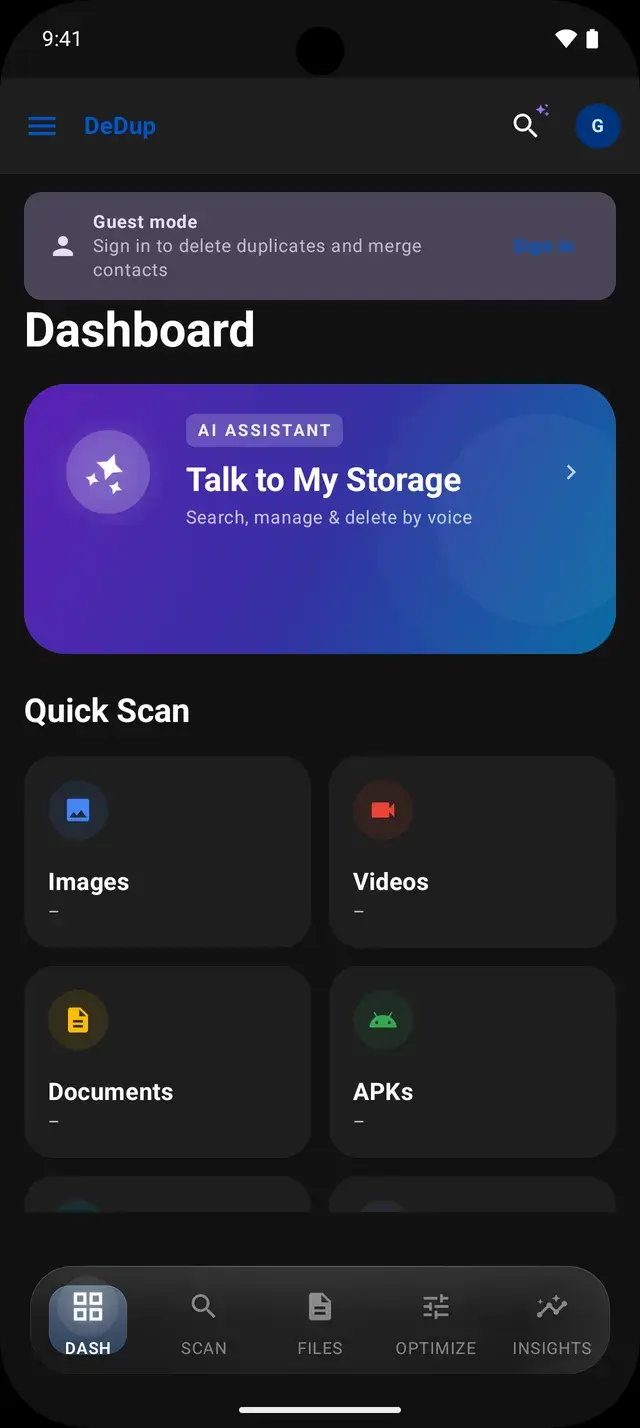
See where your storage went
Storage Insights shows how much space is used and free, and gives the phone a storage health score out of 100 based on free space, how much your scans found to reclaim, how recently you scanned and the size of DeDup’s own cache. The activity log records what DeDup has scanned and cleaned.
The storage map draws your internal storage as blocks sized by how much each folder holds. Tap a block to drill into it. Space that Android does not let apps inspect, such as other apps’ private data, is shown as one “System & Restricted Data” block rather than guessed at.
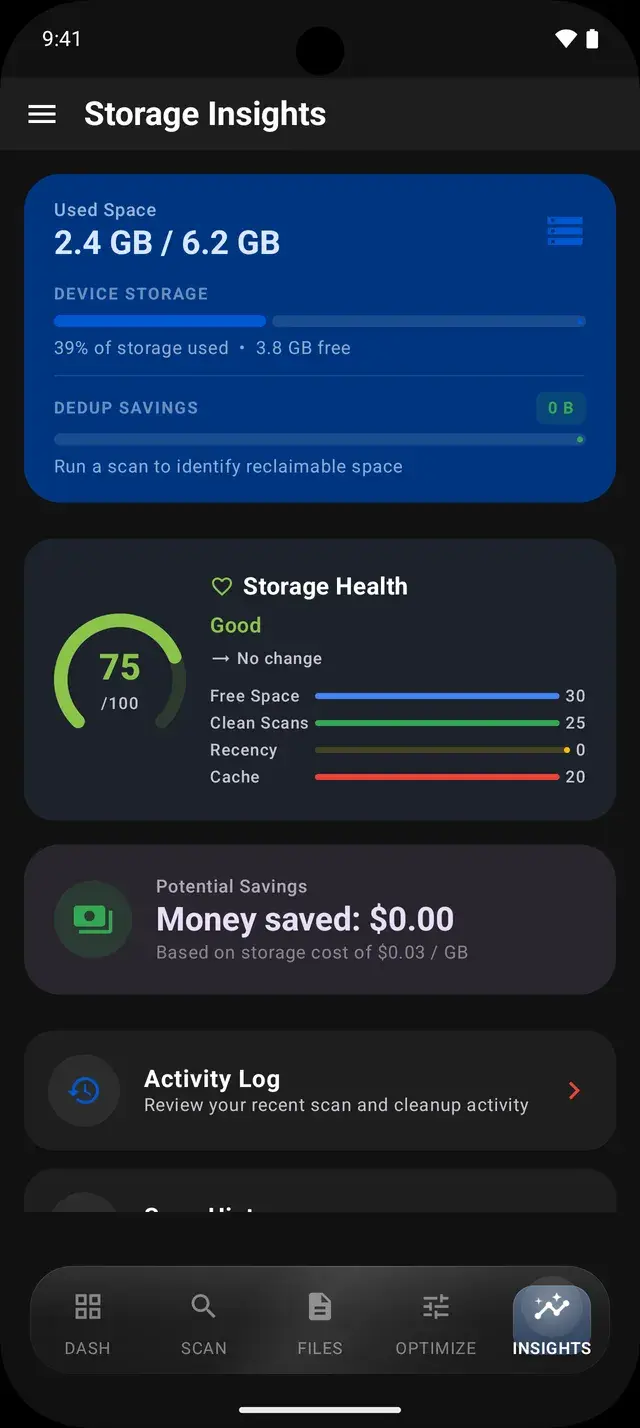
Find the files that waste the most space
Duplicate and similar photos
Exact copies and photos that look nearly the same, such as burst shots and re-saved images, are grouped together with a suggested photo to keep.
Duplicate videos
Videos with identical sizes, or whose sampled frames match, are grouped so you can play each one before choosing.
Duplicate PDFs, documents, APKs and archives
File Cleanup finds repeated documents and leftover APK install files, and the large file finder lists anything over 50, 100 or 200 MB.
WhatsApp media and empty folders
The WhatsApp cleaner finds identical copies of WhatsApp images, videos and documents. Separate tools remove empty folders and clear DeDup’s own cache.
Screenshots, memes, receipts and blurry photos
Smart AI Cleanup uses Google ML Kit image labelling on the phone to sort recent photos into groups such as screenshots, memes and receipts, and flags blurry or badly exposed shots.
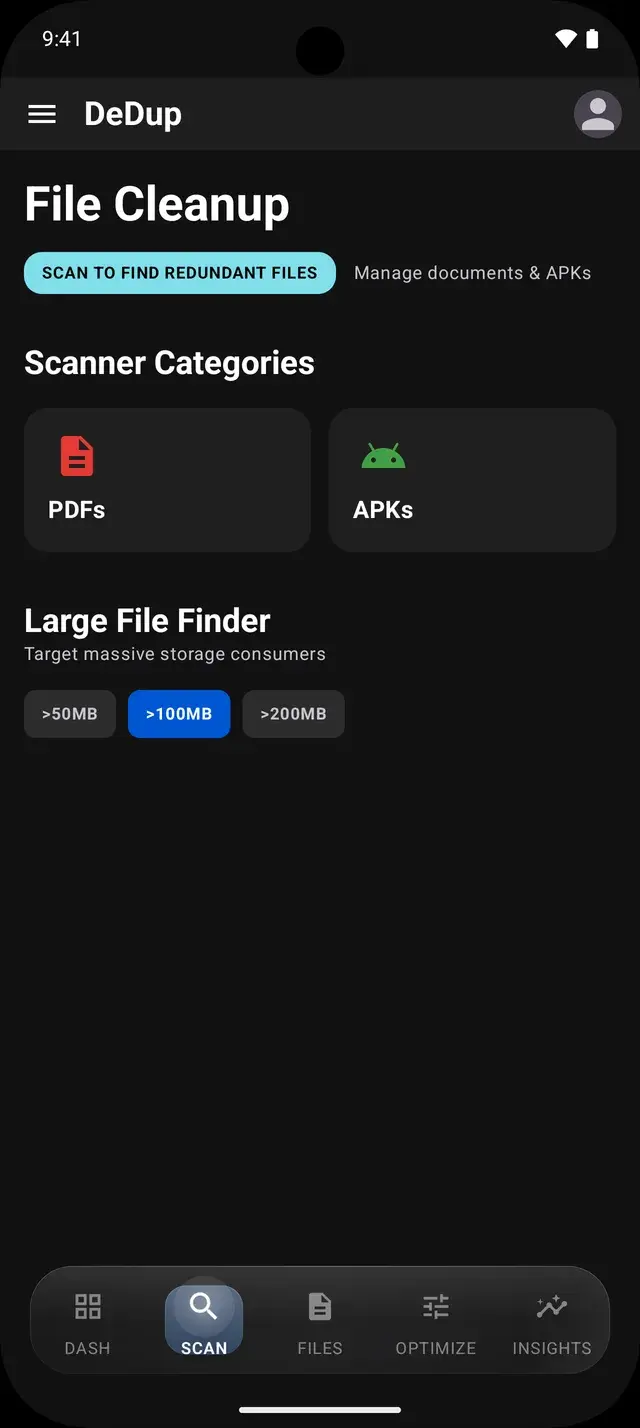
What “AI” means in DeDup
DeDup uses on-device models for specific jobs: an image labeller sorts screenshots, memes and receipts; a face detector and a sharpness measure help suggest the best photo in a group of similar shots; and Talk to My Storage turns a request like “videos larger than 100 MB from last month” into size, type and date filters.
Photo search matches your words against the album, app and date a photo came from, for example “WhatsApp March 2024”. It does not look at what is in the picture.
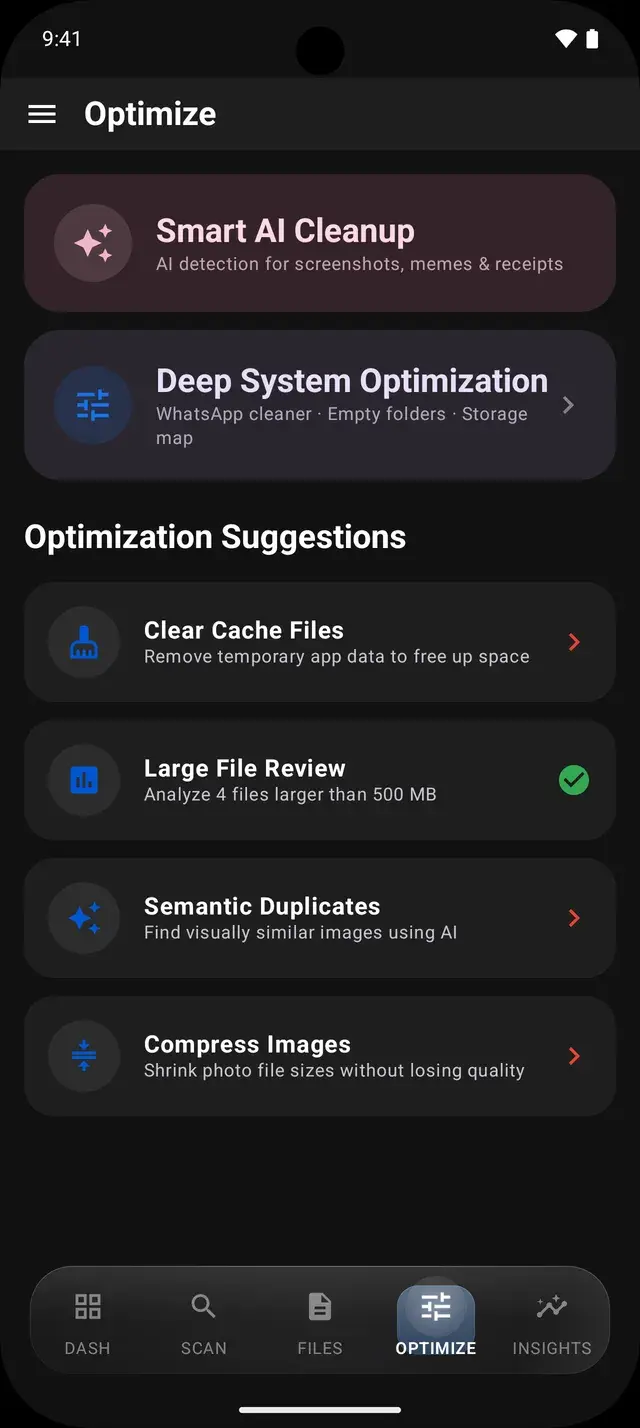
On-device processing and what leaves your phone
Scanning, hashing, duplicate detection, photo labelling and contact matching run on your phone. Your photos, videos, files and contacts are not uploaded.
The app does use Firebase for sign-in, crash reports and usage analytics, as listed in the privacy policy. Deleting files and merging contacts require signing in with Google; you can scan and look at results as a guest.
Review before anything is removed
- Scans only list what they find. Nothing is selected for deletion until you select it.
- Photo and video deletions are copied to DeDup’s Trash first, then Android asks you to confirm. Items in Trash can be restored until they expire (30 days by default).
- Other cleaners, such as the WhatsApp cleaner, ask you to confirm and then delete permanently.
Frequently asked questions
Is DeDup free?
DeDup is free to download from Google Play and shows no ads.
Does DeDup upload my photos or files?
No. Scanning and matching run on your phone and your files are not uploaded. The app sends crash reports and usage analytics through Firebase, and your name and email if you sign in, as described in the privacy policy.
Do I need an account?
You can scan and view results as a guest. Deleting files and merging contacts require signing in with Google.
Can DeDup see other apps’ private data?
No. Android keeps each app’s private storage closed to other apps. DeDup shows that space as one “System & Restricted Data” block on the storage map, and its cache cleaner clears only DeDup’s own cache, not other apps’.
More ways DeDup frees up storage
- Duplicate Photo CleanerGroup exact copies, burst shots and look-alike photos, then keep the best one.
- Duplicate Video CleanerGroup identical and near-identical videos and play each one before you delete.
- WhatsApp CleanerFind duplicate WhatsApp media, sent copies you also received and large WhatsApp files.
Detailed guides
Reclaim your storage
DeDup is free on Google Play for Android. Scan first, review what it finds, and remove only what you choose.