WhatsApp storage cleaner
Clean WhatsApp media and storage on Android
Group chats fill phones with forwarded photos, videos and documents, and the same file often arrives more than once. DeDup’s WhatsApp cleaner scans the media WhatsApp has saved on your phone and lists the copies and large files that are safe candidates for removal.
You choose what to delete, and DeDup asks you to confirm first.
 Scans run on your phone
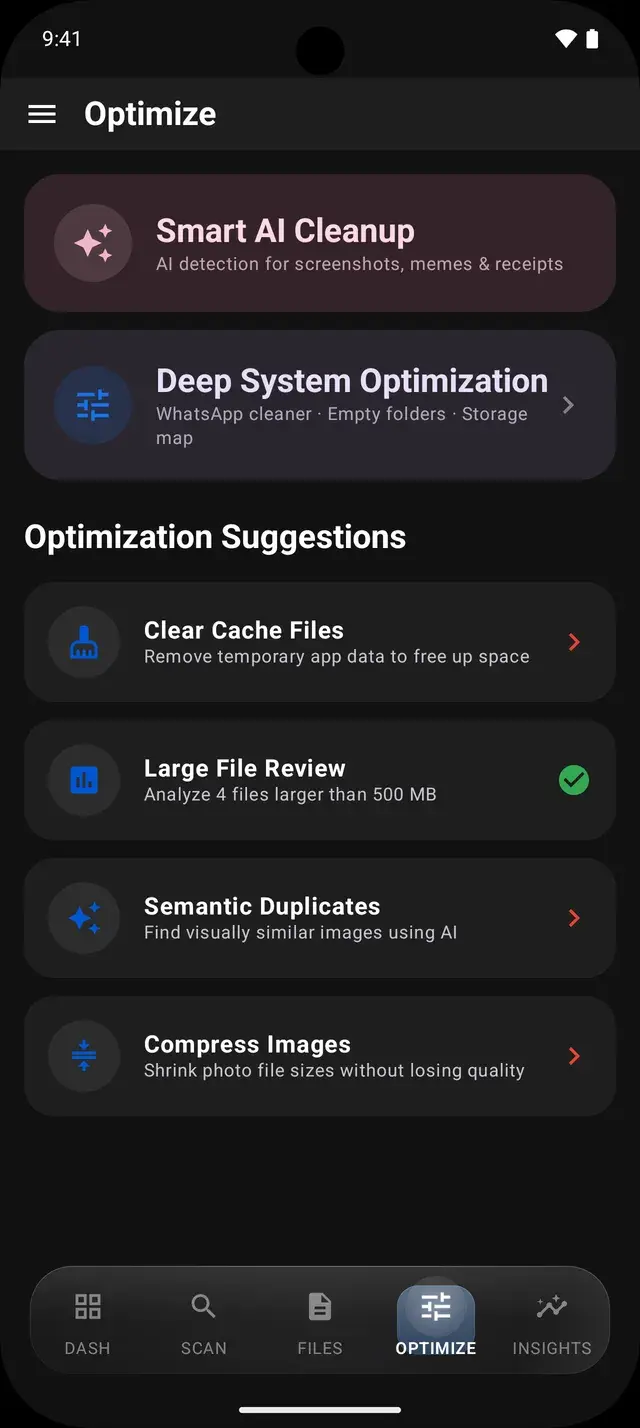
What the WhatsApp cleaner scans
- WhatsApp Images, WhatsApp Video and WhatsApp Documents, including the Sent folders inside each.
- Both the older WhatsApp folder and the newer location under Android/media used on recent Android versions.
- Files are found through Android’s media library, using the photo and media access DeDup already has.
What it finds
Duplicate media
Images and videos that are byte-for-byte identical, for example the same photo forwarded to you in two groups. DeDup confirms this with a SHA-256 checksum, so files that only look alike are not matched here.
Sent copies you also received
A file in a Sent folder that is identical to one you received. The sent copy is listed as redundant only when the received copy exists, so you are not shown a file that may be your only copy.
Large files
WhatsApp files of 10 MB or more, largest first, which are usually long videos or big documents.
Review, then clean up
- Results show a potential savings figure and the files in each section with their size.
- Delete one file, or a whole section with Delete All. Either way DeDup shows a confirmation with the number of files first.
- WhatsApp deletions are permanent: they do not go to DeDup’s Trash, so check the list before confirming.
- Deleting requires signing in with Google. Guests can scan and view results.
Android limitations to know about
- Statuses are not scanned. WhatsApp keeps them in a hidden folder that Android’s media library does not index, and reaching it would need broad all-files access.
- Voice notes and other audio are not part of the WhatsApp scan.
- Deleting a file from your phone does not remove the message from the chat. The chat keeps the message, but the media will no longer be on this phone.
- Chat backups in Google Drive are managed by WhatsApp and are not touched.
- Only files Android’s media library lists can be found. A file WhatsApp has not yet made visible to it will not appear.
Frequently asked questions
Does DeDup clean WhatsApp statuses?
No. Statuses live in a hidden WhatsApp folder that Android’s media library does not index, so DeDup does not scan them.
Will deleting media remove my WhatsApp messages?
No. The messages stay in your chats. Only the media file on this phone is removed.
Can I undo a WhatsApp cleanup?
No. WhatsApp cleanups are permanent, which is why DeDup asks you to confirm each one. Review the list before you delete.
Does DeDup read my WhatsApp chats?
No. It only looks at the media files WhatsApp saved in its Media folders. It does not open or read chats.
More ways DeDup frees up storage
- AI Storage CleanerSee what is using your storage and clear duplicates, large files, cache and empty folders.
- Duplicate Photo CleanerGroup exact copies, burst shots and look-alike photos, then keep the best one.
- Duplicate Video CleanerGroup identical and near-identical videos and play each one before you delete.
Detailed guides
Reclaim your storage
DeDup is free on Google Play for Android. Scan first, review what it finds, and remove only what you choose.