The Trash screen in DeDup 1.5.3 on Android: restore, delete forever and retention
The Trash screen in DeDup 1.5.3 lists items DeDup is holding in its own storage. For each one you can restore it or delete it forever, and you can empty the whole list. In 1.5.3 the scanners don't send files to it, so unless items were already there, it's empty.
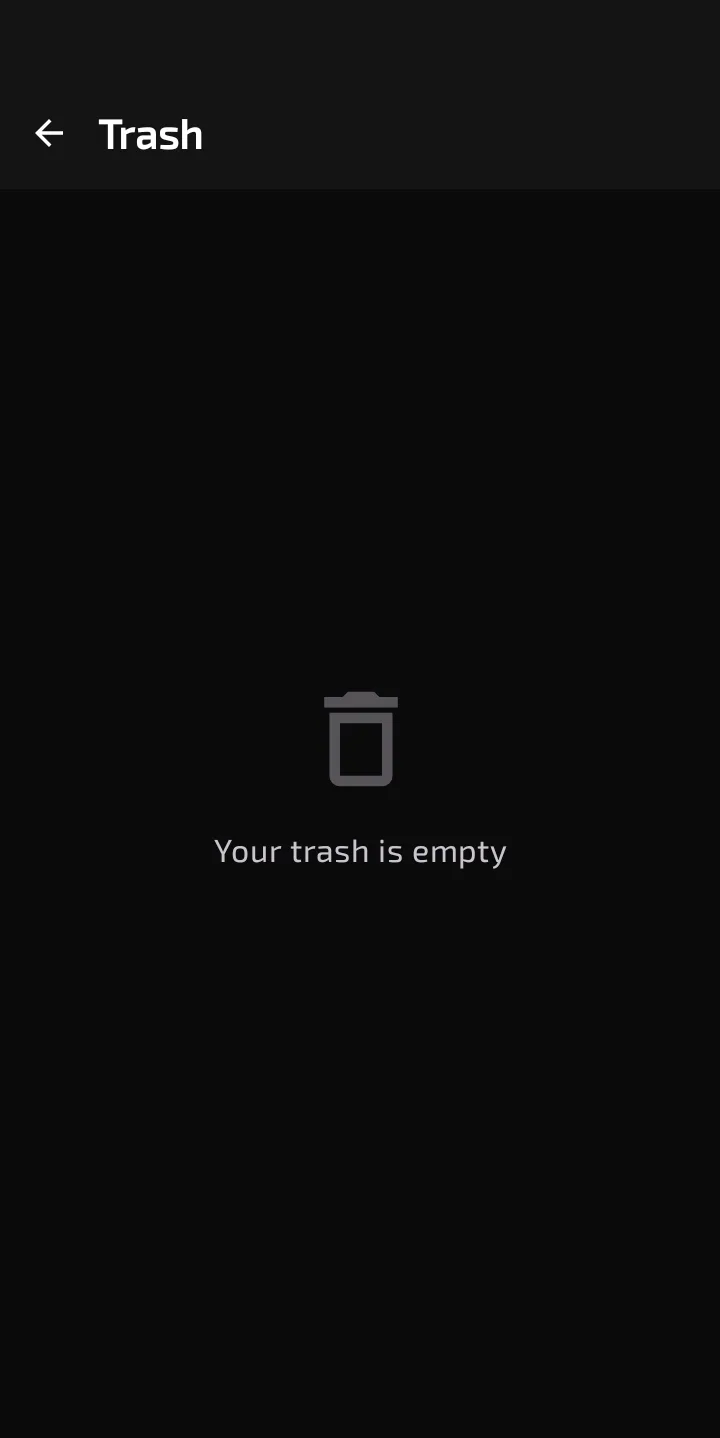
The Trash screen with nothing in it.
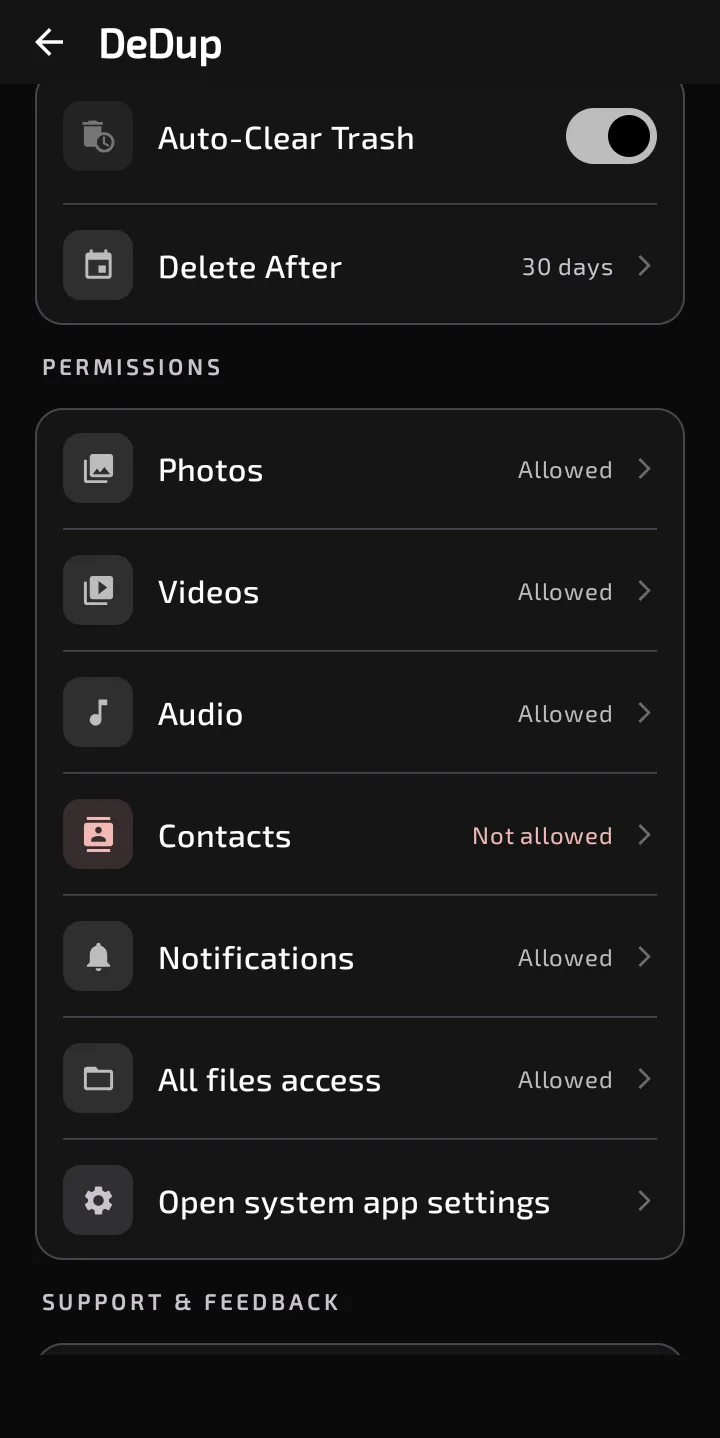
Auto-Clear Trash and Delete After (30 days) in Settings.
Where to find it
Open the side menu and tap "Trash". With nothing in it, the screen says "Your trash is empty". With items, the top bar shows a count and an "Empty Trash" icon.
What each item shows
Each row has the file name, its size, a thumbnail for images (other types get a generic icon), and a line about expiry. That line reads "Expires in N days", "Expires soon" when a day or less is left, or "Kept until you delete it" when auto-clear is off. The text changes colour at three days or fewer.
The subtitle under the screen title says "auto-deleted after 30 days". That text is fixed in the code. It doesn't change when you pick a different retention period, but the per-item line does.
Restore, delete forever, empty
- Restore has no confirmation. DeDup reads the copy it kept in its own app storage and creates a new entry in your media library with the saved name and type. Images go to the images collection and videos to the video collection. Other files go to Downloads on Android 10 and newer. When the copy succeeds, DeDup removes its own copy and the row, and a message says the file was restored. If the stored copy is missing or the write fails, the message says it couldn't restore that file. The code doesn't pass the original folder, so I can't say where Android places the restored file.
- Delete Forever asks first: the file "will be permanently deleted and cannot be recovered". DeDup deletes its stored copy and the row.
- Empty Trash asks first: all items will be permanently deleted and it can't be undone. It removes every row and stored copy.
Retention settings
In Settings, under "Trash", there's an "Auto-Clear Trash" switch, on by default. While it's on, a "Delete After" row appears. It offers 30, 60, 90, 120 or 360 days, with 30 as the default.
Expiry is counted from the moment an item was trashed, so changing the setting also applies to items already there. Expired items are deleted when the Trash screen opens. With the switch off, nothing expires.
The scanners and the Trash
In 1.5.3 the scanners don't send files to the Trash. Deletes from the scanners go through the Android system prompt and are permanent. The retention settings only affect items that are already in the Trash.
Scope of this post
Checked against: DeDup 1.5.3 source code (Android).
Not tested on a device: restoring a file, where Android puts a restored file, how the thumbnails look, or the expiry timing. I read the code for each of these but didn't run it. I also can't tell whether any phone has items in the Trash from an earlier version.
Screenshots were captured on a DeDup 1.5.3 development build on Android 15 (Moto g34 5G), and show only settings and empty or summary screens.