Excluding folders from scans in DeDup 1.5.3 on Android, and what it covers
DeDup 1.5.3 lets you list folders that the photo scan should skip. This post covers how to add one, how the scan applies the list, what it affects, and a caveat about matching that I couldn't settle from the code.
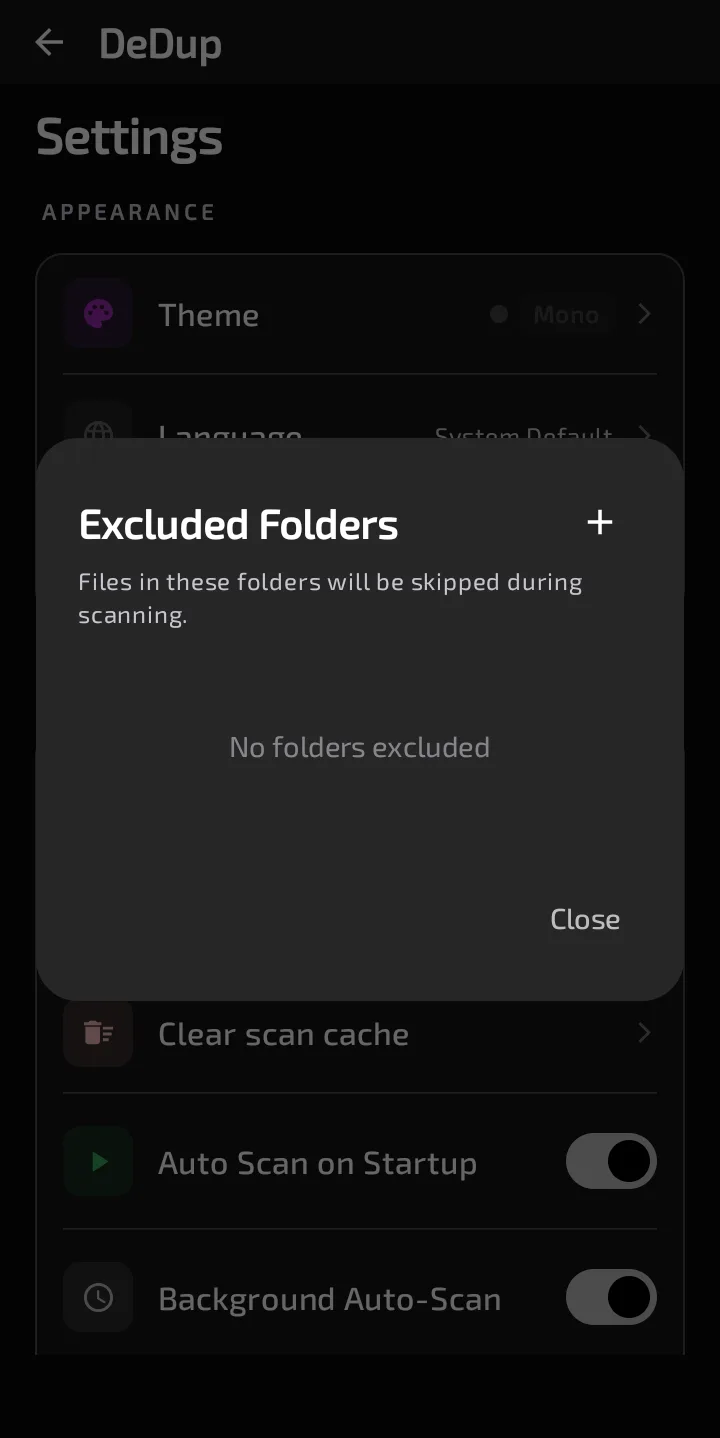
The Excluded Folders dialog with no folders excluded.
How to exclude a folder
- Open Settings and find the Scanning section.
- Tap Excluded Folders. The row shows how many folders are listed, in the form "N excluded".
- In the dialog, tap the plus icon (Add Folder). The dialog explains: "Files in these folders will be skipped during scanning."
- Choose a folder in Android's folder picker.
- To undo it, tap the X beside the folder. An empty list shows "No folders excluded".
The same folder isn't added twice. The list is saved as one comma-separated line of text. A folder name containing a comma would be split in two.
How a scan applies the list
When a photo scan starts, it reads the saved list. For each photo, it compares the photo's file path with every entry. If the path starts with an entry, the photo is skipped. That's a plain text-prefix match, so:
- subfolders of an excluded folder are skipped too;
- an entry that is a prefix of a longer folder name also matches it. An entry ending in "Camera" would also match a folder called "Camera2". There's no trailing-slash handling.
A skipped photo isn't fingerprinted, isn't counted in the progress total, and doesn't appear in results. The scan's saved results are rebuilt from the photos it did scan, so an excluded photo drops out of the saved list after the next completed scan. Results already on screen stay until you scan again.
The matching caveat
The value DeDup stores is the path part of the address the folder picker returns, or the whole address if that's missing. The scan compares it with the file path the media library reports for each photo. The code has no step that converts one into the other. Those two kinds of text are not the same in general, so I can't promise that a folder you add this way is skipped.
I haven't run this on a device. If you rely on an exclusion, run a scan and check whether photos from that folder still show up in the results.
What it does and doesn't affect
It affects the photo scan. In 1.5.3 that's the only scan that reads the list. The video scan and the other cleanup tools don't use it. The file-scanning code has room for an exclusion list, but the screens that call it don't pass one.
It doesn't delete, move or hide anything. Excluded photos stay where they are, and your gallery app still shows them.
Scope of this post
Checked against: DeDup 1.5.3 source code (Android).
Not tested on a device: whether the folder picker's value matches the media library's file paths on any Android version, how the picker looks, and what a scan shows after you add a folder. The prefix rule and the places that read the list were read from the code, not run.
Screenshots were captured on a DeDup 1.5.3 development build on Android 15 (Moto g34 5G), and show only settings and empty or summary screens.