How DeDup 1.5.3 on Android finds and removes empty folders
The Empty Folder Remover in DeDup 1.5.3 lists folders that have nothing in them and deletes the ones you tick. It looks at folders only. It doesn't read or delete files. The start screen is headed "Deep Sweep", and the button says Start Sweep.
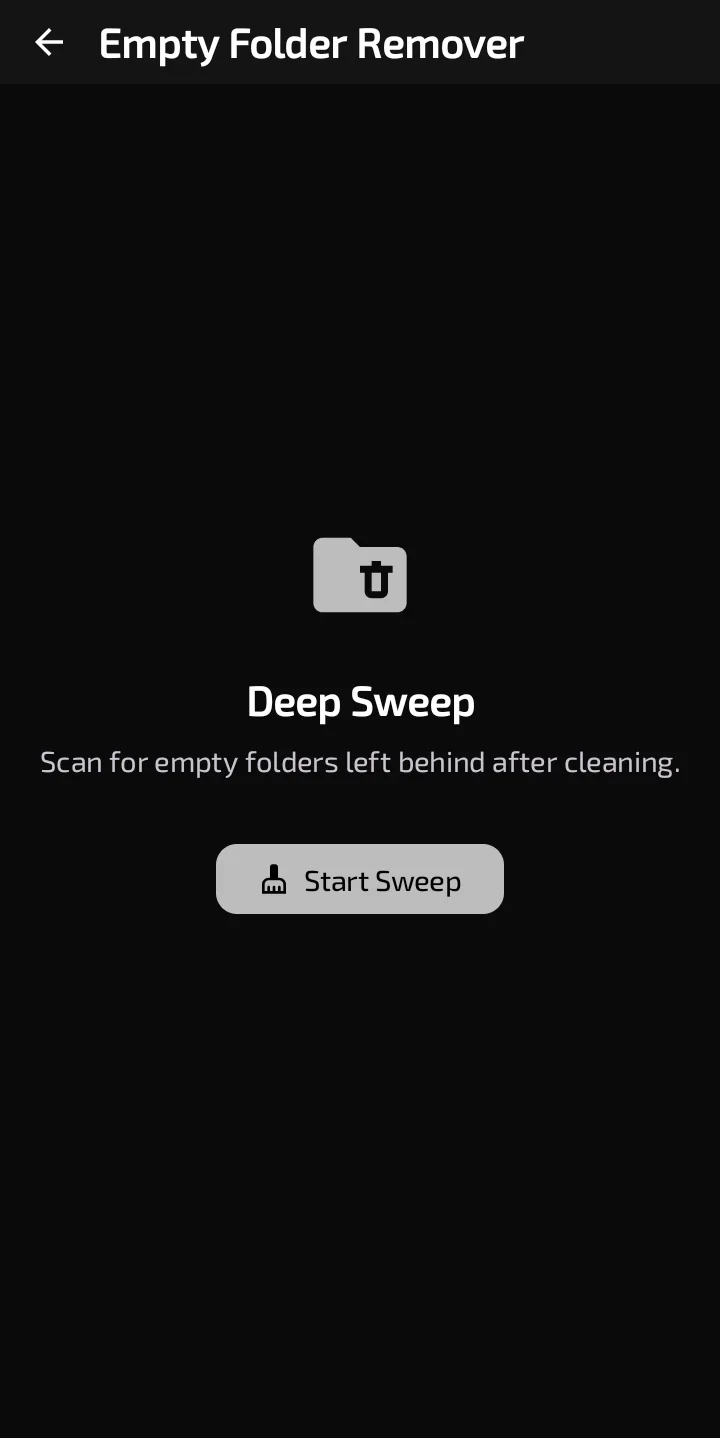
The Empty Folder Remover start screen.
What counts as empty
A folder counts as empty when it holds no files at all, or only subfolders that are themselves empty by the same rule. A single file inside, whatever its name or size, means the folder isn't listed.
How nested folders appear depends on the Android version:
- Android 11 and newer. A folder that contains only empty subfolders is listed once. Its subfolders aren't listed separately.
- Android 10 and older. Every empty folder in a nested chain is listed on its own.
On Android 10 and older, a folder that Android won't let DeDup list is treated as empty. The code reads an unreadable listing as "nothing inside".
What you grant first
On Android 11 and newer, DeDup doesn't use the all-files permission for this screen. It shows "Storage Access Needed" and asks you to pick your storage root with Android's folder picker (the button is Select Storage Folder). A tip on that screen says to pick "Internal Storage" to scan everything. DeDup saves your choice, so you're asked once. The scan covers only the folder you pick.
On Android 10 and older there's no picker. DeDup walks shared storage directly, using the storage read permission the app declares for those versions.
What's left out
- On Android 10 and older, the top of shared storage itself is never listed, and neither is any folder whose name starts with a dot. A hidden empty folder still counts as "nothing" when DeDup decides whether its parent is empty. The Android 11 and newer path has no hidden-name rule.
- The Excluded Folders list in Settings isn't consulted by this screen.
Removing folders
- Tap Start Sweep. On Android 11 and newer, grant the folder first.
- Each row shows a folder's name and full location, with a checkbox. The All and None button in the top bar selects or clears every row. If nothing is found, the screen says "No empty folders found."
- Tick the folders and tap Delete Folders, which shows how many are ticked. Guests see a "Sign in required" dialog instead.
- DeDup deletes each folder. On Android 11 and newer it uses a document delete on the folder you granted. On older versions it uses a plain folder delete.
Results are sorted deepest first. A folder that couldn't be deleted stays in the list. On Android 10 and older, ticking a parent without the empty folders inside it may fail, because a plain folder delete is built for empty folders.
There's no confirmation dialog on this screen, and nothing goes to DeDup's Trash. DeDup does have a Trash screen, but in 1.5.3 nothing in the scanners sends items there. Empty folders free no measurable space, and the code records zero bytes for this cleanup.
Scope of this post
Checked against: DeDup 1.5.3 source code (Android).
Not tested on a device: the folder picker on any Android version, whether Android 10 allows the deletion, and how a document delete behaves on a folder that contains empty subfolders.
Screenshots were captured on a DeDup 1.5.3 development build on Android 15 (Moto g34 5G), and show only settings and empty or summary screens.