Cleanup reminders and low-storage alerts in DeDup 1.5.3 on Android
DeDup 1.5.3 can send two kinds of reminder notifications. A clean-up reminder arrives on a schedule you pick. A low-storage alert arrives when the app's storage estimate says you'll run out within about five days. Both need notification permission, and each has its own switch in Settings.
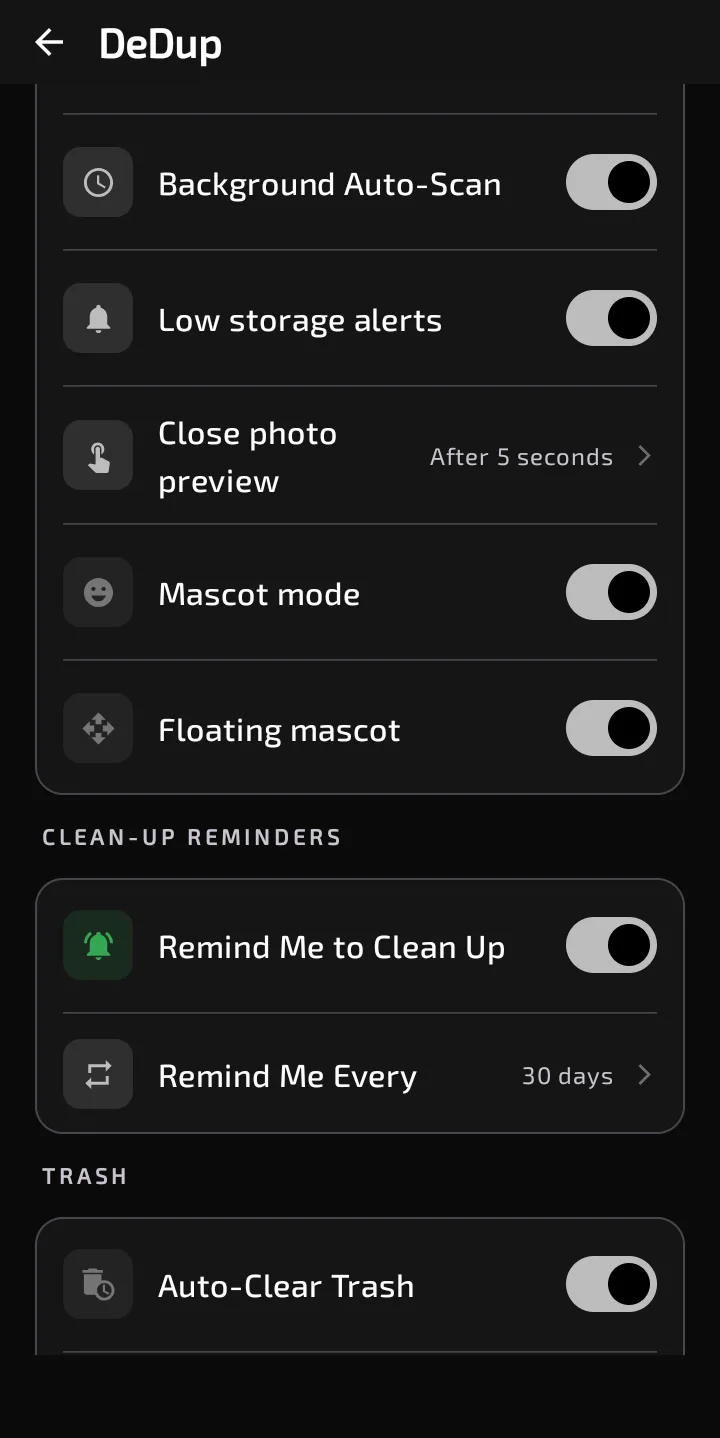
Settings: the low-storage alerts switch, the clean-up reminder switch and its interval, and the start of the Trash section.
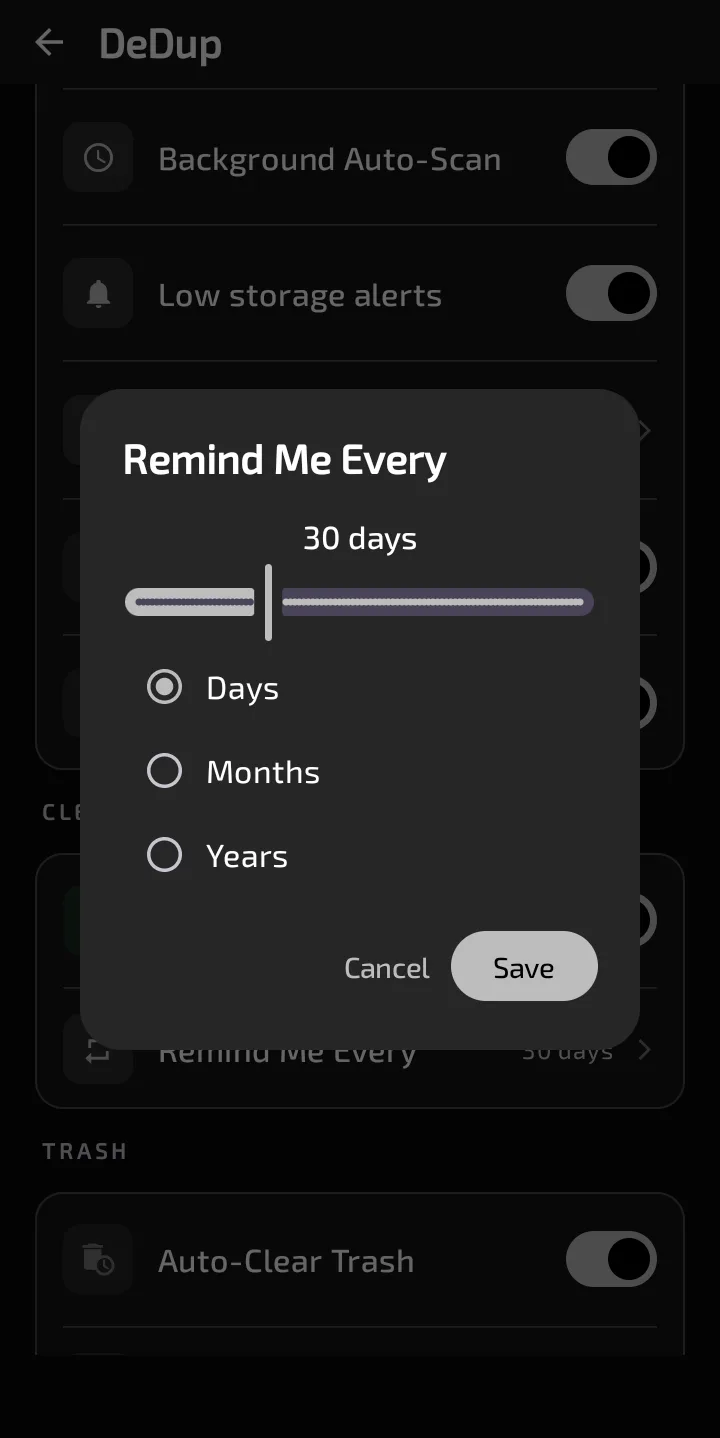
The Remind Me Every dialog, set to 30 days.
Clean-up reminders
In Settings, the "Clean-up Reminders" section has a switch, "Remind Me to Clean Up". It's on by default. When it's on, a "Remind Me Every" row appears. Tap it to open a dialog with a slider from 1 to 100 and three units: Days, Months or Years. The default is 30 days. Save applies it.
The reminder arrives at 10:00 in your local time. The count starts from the day you turned reminders on or saved a new period. If you never touched the setting, it starts from when the app first scheduled it. The next reminder falls one period after that day, then every period after it.
The notification title is "Clean-up check:" followed by the current month's name in the app's language. The text is one of eight short tips, picked by the day of the year. Two examples from the app: "Delete screenshots you no longer need; they add up fast." and "Merge duplicate contacts so every person appears once." Tapping the notification opens DeDup.
Low-storage alerts
The "Low storage alerts" switch is in the Scanning section. It's also on by default. A background job runs about every 24 hours, and only when the battery isn't low. Each run records your free space, at most once per day. After at least two records, and if free space is shrinking, it projects how many days remain.
The alert goes out only when the estimate is based on three or more records and the projection is five days or fewer. It's sent at most once per day. The title is "Storage running low". The text says you'll run out of storage in about the projected number of days, and to clean up now. Tapping it opens the Dashboard. The estimate is a straight-line projection from your first and latest record.
Two related notifications exist in the code:
- The same job posts "Duplicates found" when it finds duplicate photos worth at least 50 MB. It doesn't check the low-storage switch.
- A separate receiver listens for Android's own low-storage signal. If 90 percent or more of storage is used, it posts "Storage Almost Full" with "Clean Now" and "Dismiss" buttons. It doesn't check the switch either, and I found no code that handles those two buttons.
Notification permission
On Android 13 and newer, notifications need the POST_NOTIFICATIONS permission. Both reminder types check for it and quietly skip posting without it. The app's screens also sit behind a check on those versions: until notifications are allowed, you see a "Notifications Required" card with an "Open Settings" button. Android 12 and older have no such prompt.
Turning them off
- Reminders: switch off "Remind Me to Clean Up".
- Low-storage alerts: switch off "Low storage alerts".
- Everything: turn off DeDup's notifications in Android's settings.
The "Background Auto-Scan" switch cancels the daily job, but the code schedules that job again each time the app starts. The "Low storage alerts" switch is the reliable one.
Scope of this post
Checked against: DeDup 1.5.3 source code (Android).
Not tested on a device: whether notifications arrive on time on a given phone, since battery settings from phone makers can delay background work. I also didn't check how accurate the storage estimate is, or whether Android delivers its low-storage signal to the receiver.
Screenshots were captured on a DeDup 1.5.3 development build on Android 15 (Moto g34 5G), and show only settings and empty or summary screens.